
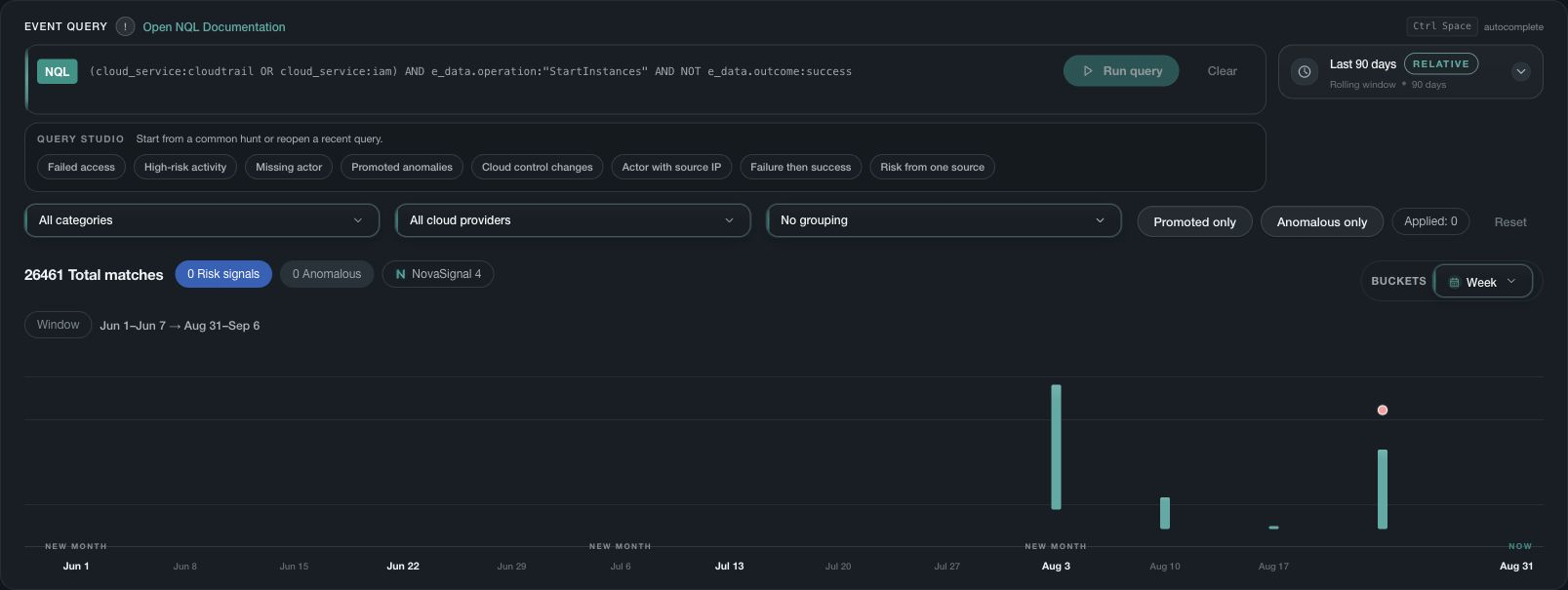
What NQL is for
NQL is Nova's event search language. It helps signed-in users narrow eligible event evidence by time, source, entity, activity, and other supported fields without changing the underlying records.
Start with the question you want to answer. Choose a time range and the relevant customer environment, then add filters to narrow the events you need to review.
Before searching
- Confirm the visible customer and organization scope.
- Choose a time window that fits the question and expected source delay.
- Check that the required source is healthy and current.
- Use supported field names shown in Nova or authenticated Help for your deployed version.
Interpret the result
A search result reflects the current query, time range, accessible scope, retained data, and source coverage. No matches means that no eligible retained record matched the query. It does not prove the activity never occurred.
The exact NQL fields and operators are documented inside Nova because they follow the deployed product version and the user's available data.