
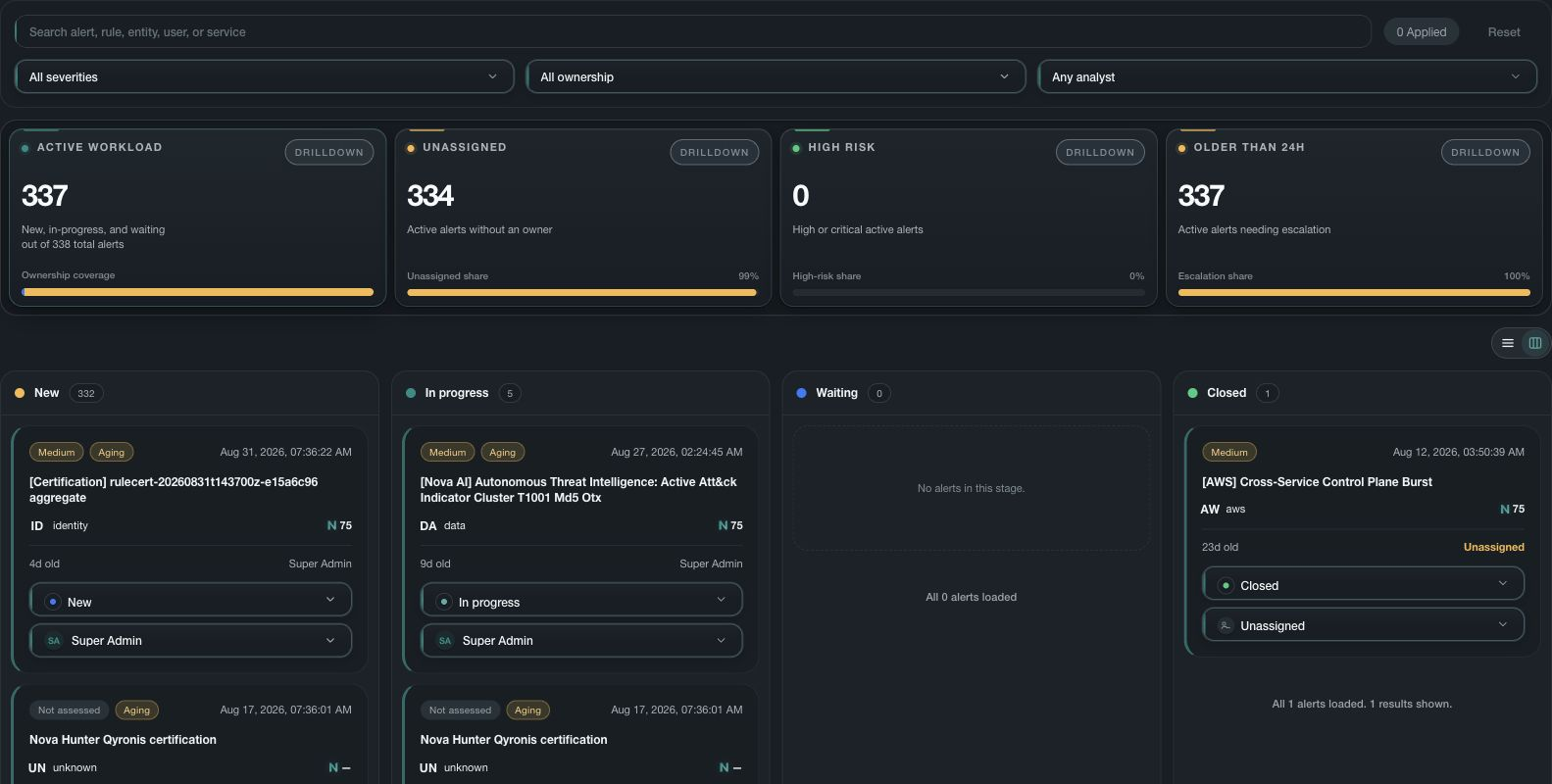
Work state should explain progress
An alert queue is useful when each item shows who owns it, what state it is in, why it is waiting, when it last changed, and what evidence or decision is needed next. Status alone should not hide stalled or unassigned work.
Keep the queue actionable
- Assign one accountable owner and keep team or queue ownership visible when both apply.
- Use waiting states for a named dependency such as customer input, change approval, provider recovery, or evidence collection.
- Review unassigned, overdue, reopened, high-impact, and long-waiting work separately.
- Keep comments and decisions connected to the alert or investigation without copying secrets or complete sensitive evidence.
- Close only when the disposition and required follow-up are recorded.
Escalate with context
Escalation should include impact, affected scope, current evidence, owner, waiting dependency, time at risk, and the decision needed. A service target helps identify delay but does not determine the security conclusion.