
One connected security decision
Nova keeps source identity, customer scope, observed evidence, confidence, and known gaps attached as work moves between cloud security and security operations. The goal is not to place every signal in one score. The goal is to preserve the basis for the next decision.
A reviewer should be able to see what Nova observed, what it inferred, what remains unknown, who owns the work, and which next step is permitted. Missing or stale evidence remains visible throughout the journey.
-
01
Connect
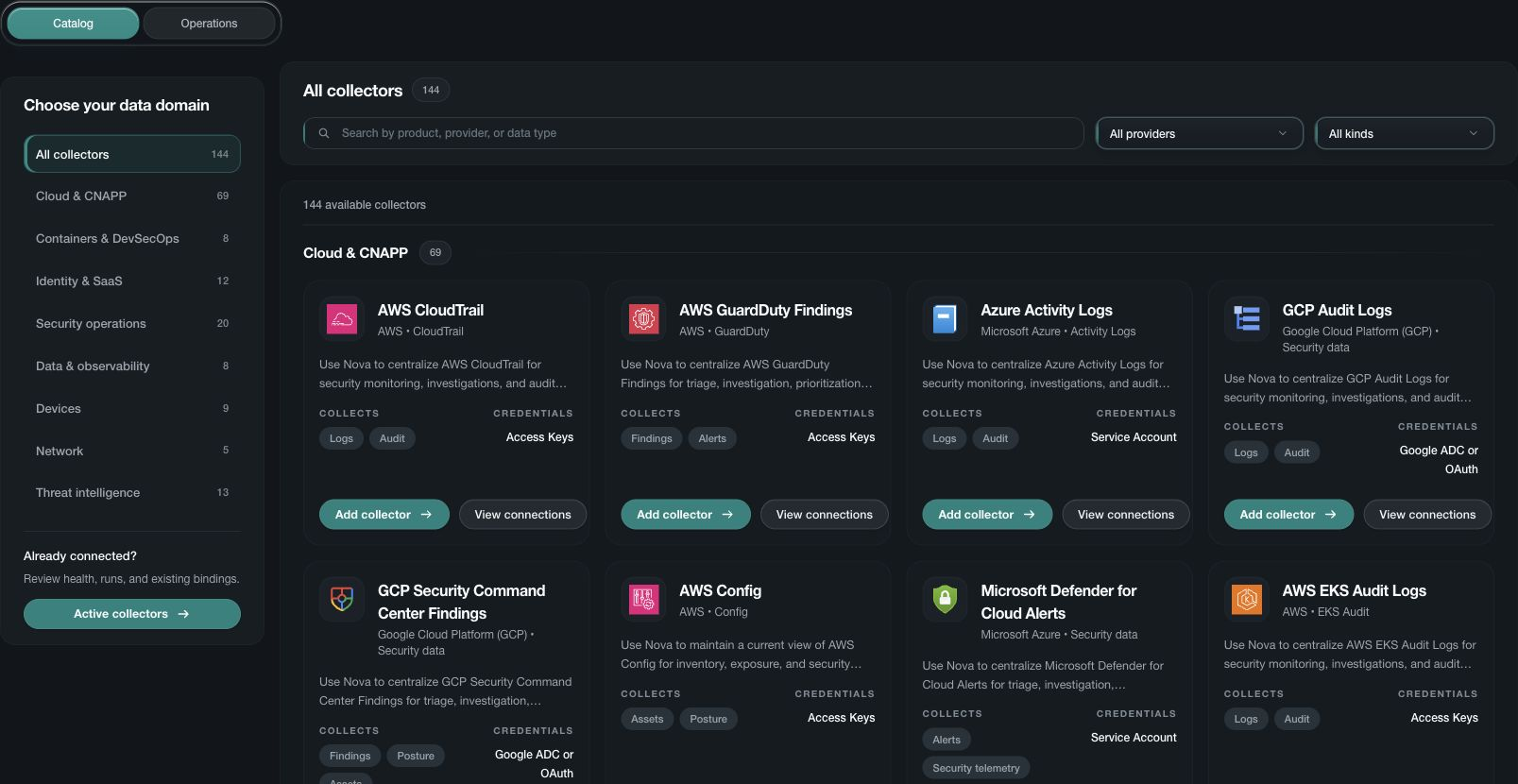
Bring approved cloud and security evidence into Nova with its source and time context intact.
-
02
Prioritize
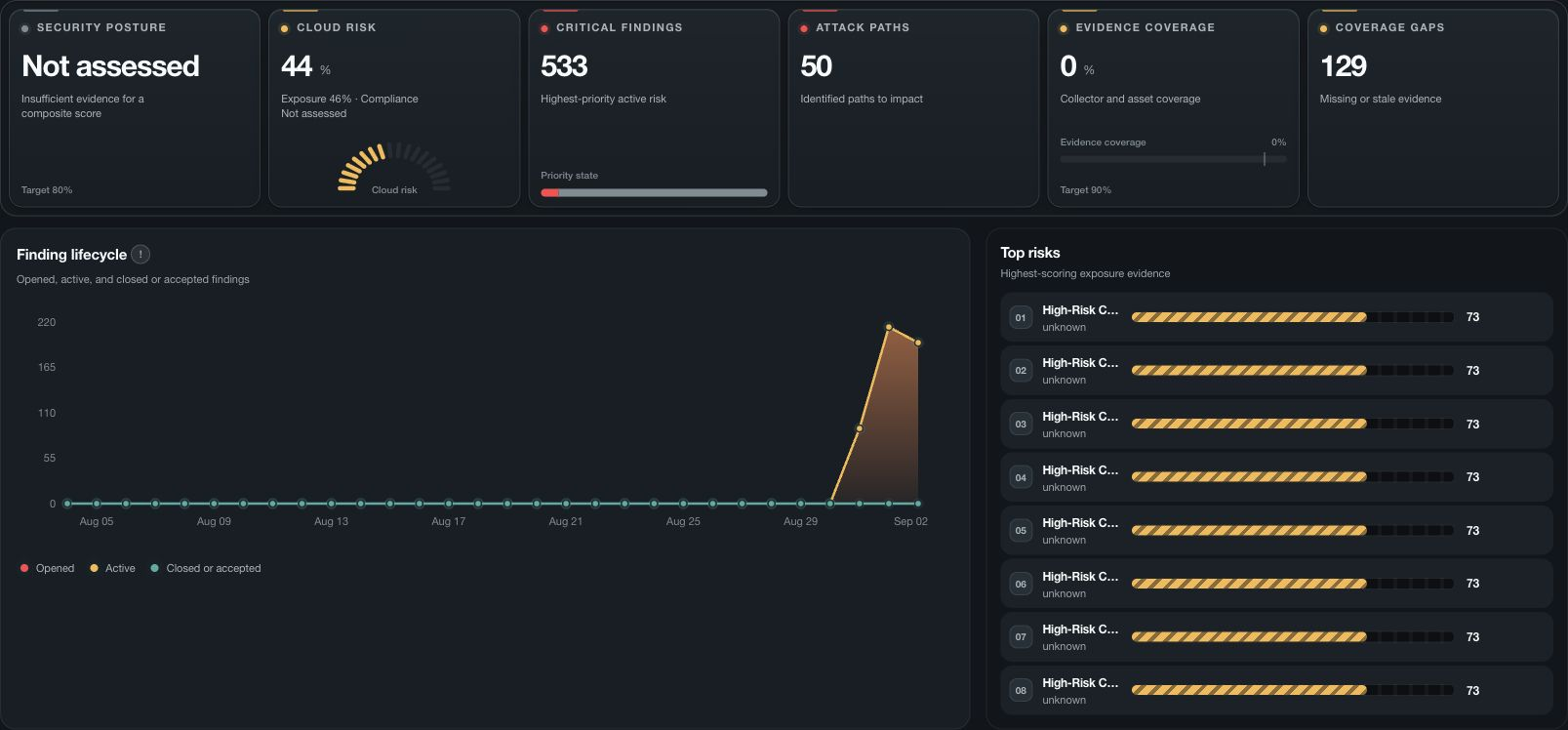
Use severity, exposure, confidence, business context, and evidence quality to decide what needs attention.
-
03
Investigate
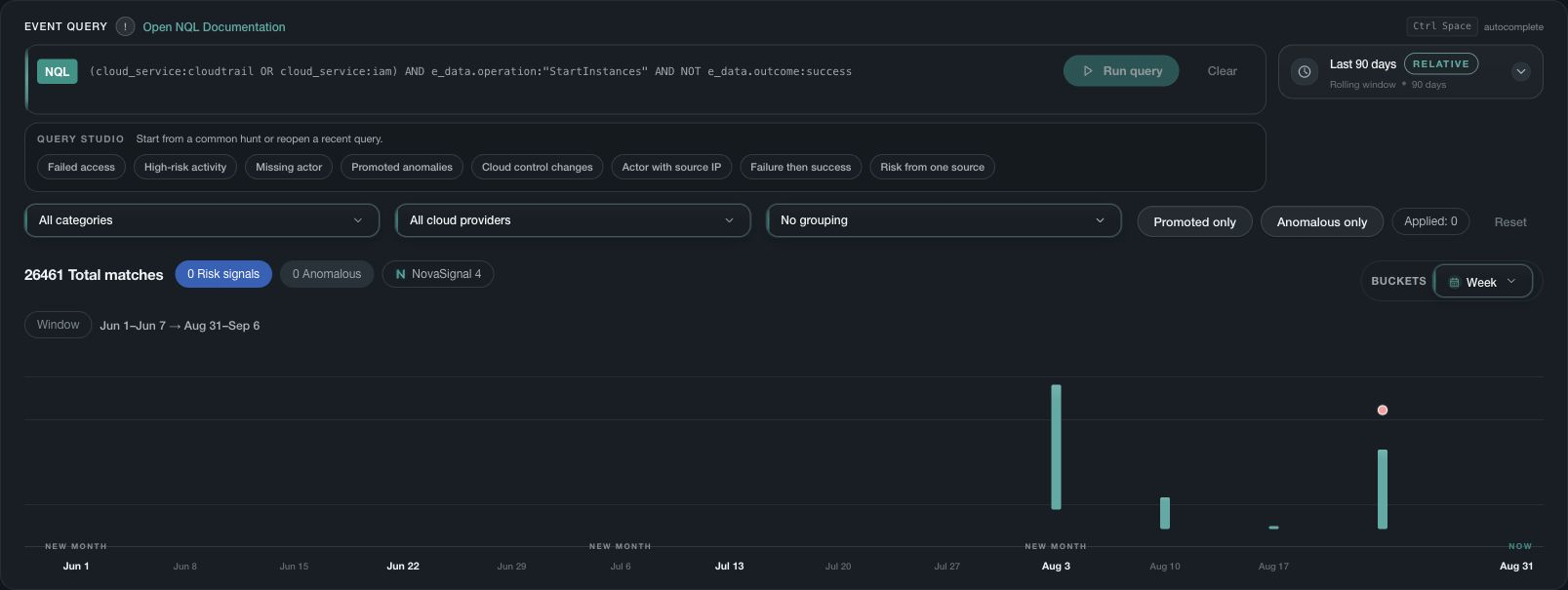
Review related activity, entities, chronology, conflicts, and gaps in one evidence path.
-
04
Decide
Record the supported conclusion, accountable owner, and approved next step.
-
05
Respond and retain
For supported actions, keep approval, progress, result, and retained evidence with the decision.
Review the boundaries at every stage
- Scope shows which customer environment, source, account, region, and time period the evidence represents.
- Coverage shows what Nova assessed and what remains missing, delayed, excluded, or unavailable.
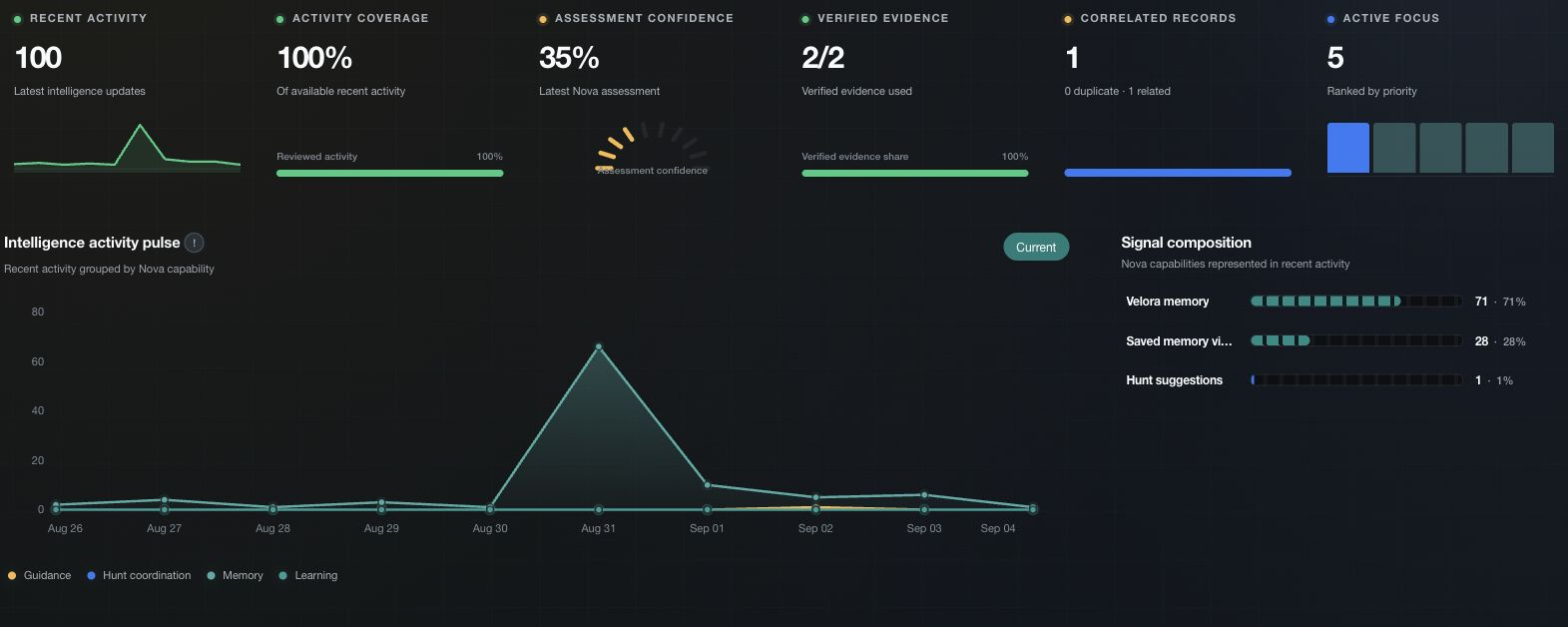
- Confidence describes the strength of the current assessment and does not replace the supporting evidence.
- The next step may be further investigation, a proposal or a response action. The required permissions and approvals still apply.
- Outcome records what was reported after the work completed, including failure, partial completion, or unresolved questions.
Use public guidance and signed-in Help together
Public documentation explains the operating model and helps you prepare. After sign-in, use Help inside Nova for the exact page, available actions, and instructions that apply to your organization.