
The role of NovaSignal
NovaSignal is Nova’s evidence-aware alert-prioritization engine. It brings together the supported context available for an alert and explains why that evidence raises, lowers, or limits the resulting priority.
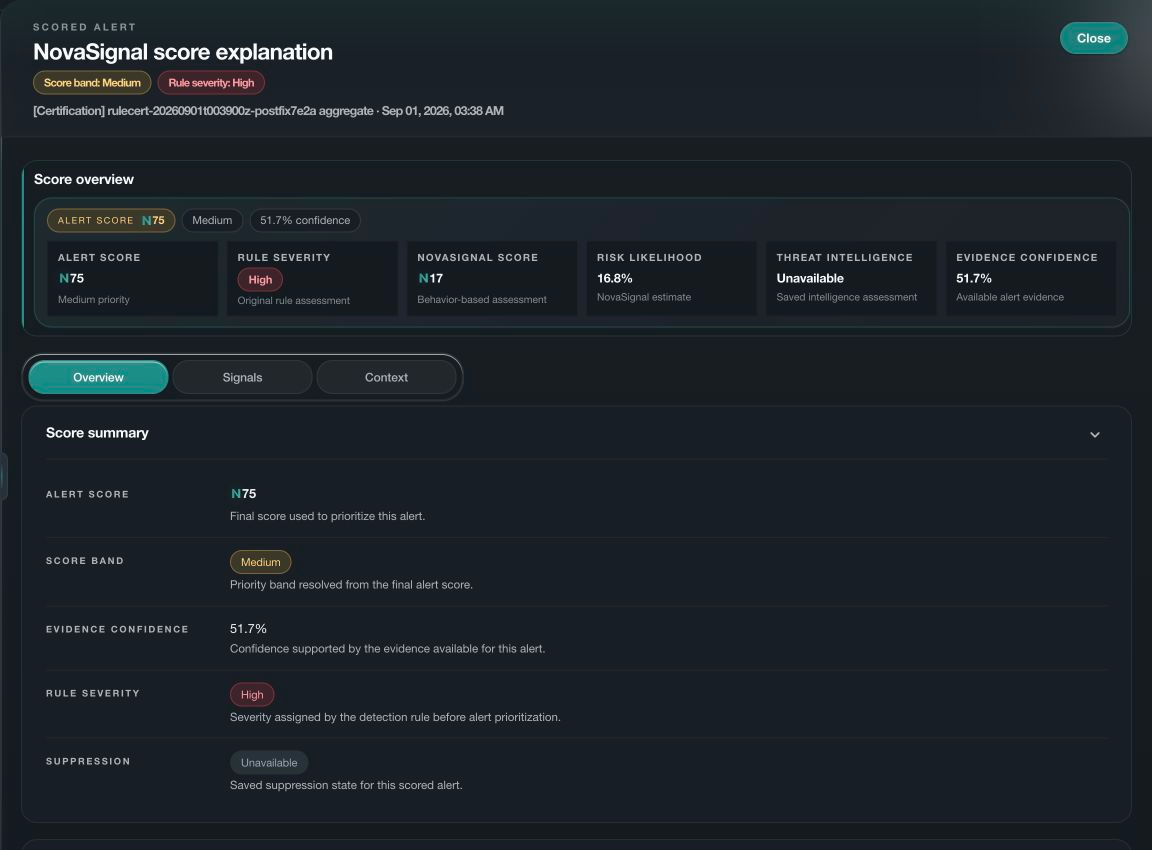
The score is a decision aid, not a hidden verdict. NovaSignal keeps the original alert, contributing components, confidence, coverage, historical movement, and missing evidence visible so analysts can judge the result.
Context that can contribute to priority
- Detection evidence
- Keeps the rule, severity, and observed activity that brought the alert into view.
- Threat context
- Uses independently matched threat information without treating a missing match as proof of safety.
- Asset and exposure
- Adds assessed asset risk, public exposure, ownership, and control context when available.
- Activity context
- Considers the identity, sign-in activity, source and timing associated with the alert.
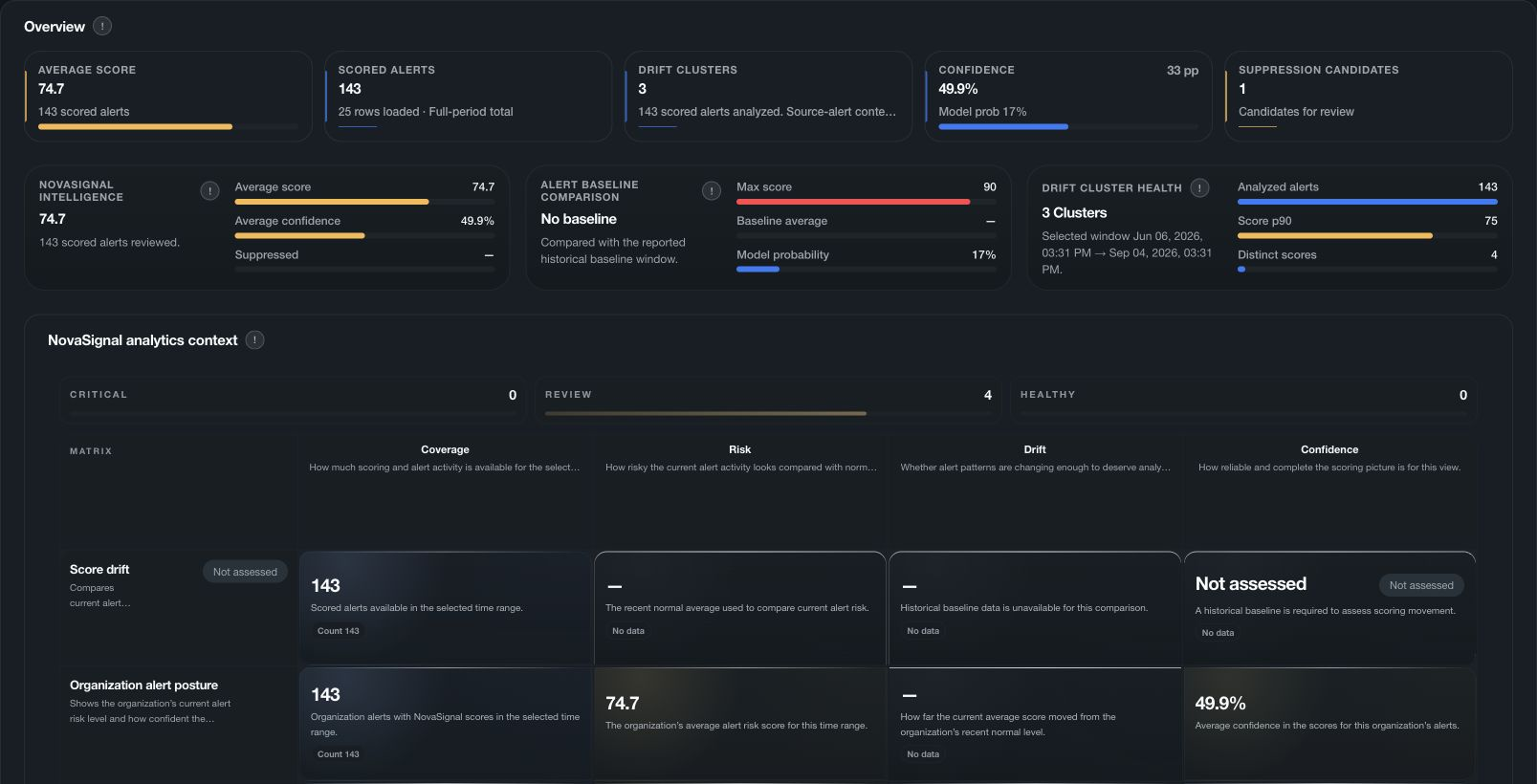
- Confidence and coverage
- Shows how much of the expected evidence was available for the assessment.
- Historical baseline
- Compares current score posture with retained history so material movement is visible.
The NovaSignal scoring cycle
-
01
Start with the alert
Preserve the source alert, rule, severity, entities, and observed activity.
-
02
Collect applicable context
Add only the supported asset, threat, identity, activity, and exposure evidence available for the alert.
-
03
Apply safeguards
Protect strong independent evidence and keep missing coverage from becoming a low-risk signal.
-
04
Explain the priority
Show the score, band, components, confidence, coverage, and reasons together.
-
05
Track movement
Compare the result with retained baselines and drift so meaningful change is visible.
Questions NovaSignal helps answer
- Which supported alerts deserve attention first in the selected scope and time window?
- Which evidence components contributed most to the current priority?
- How complete and current was the evidence used for the score?
- Has the score moved materially from the retained baseline or recent history?
- Would a different supported input change the score without changing the source alert?
How to review a NovaSignal result
- Open the source alert and confirm the entity, severity, time window, and observed activity.
- Review each contributing component instead of relying on the final score alone.
- Check confidence, coverage, unavailable sources, and the reason for any protected severity floor.
- Compare score drift and the historical baseline before treating movement as meaningful.
- Use the score to prioritize review. It does not prove a threat, close an alert or authorize a response.